

As an Amazon Associate, I earn from qualifying purchases. If you buy through links on this page, I may earn a small commission at no extra cost to you.
Renters deserve keyless entry too. The catch has always been the drill: most smart locks replace your deadbolt, which landlords rarely allow. Retrofit smart locks solve this neatly. They clamp onto your existing deadbolt from the inside, so the outside of the door never changes and no holes get drilled.
When you move out, the lock comes off in minutes and the original deadbolt works exactly as before. The five locks below all install without drilling, starting with the best all-around pick for renters.
3 Top Picks
- August Wi-Fi Smart Lock – Best Overall: the renter favorite, with built-in wifi and auto-unlock that just works.
- SwitchBot Lock Pro – Easiest Install: sticks on with adhesive, so you do not even need a screwdriver.
- Wyze Lock – Best Value: full retrofit smarts at the friendliest price here.
5 Best No-Drill Smart Lock for Renters
Every lock below mounts on the inside of your door over the existing deadbolt. No drilling, no lock replacement, and the outside looks untouched. Here are the five worth your money.
| Product | Key Features | Our Rating |
|---|---|---|
| August Wi-Fi Smart Lock Best overall |
| ★★★★★ |
| SwitchBot Lock Pro Easiest install |
| ★★★★☆ |
| Wyze Lock Best value |
| ★★★★☆ |
| Yale Approach Good alternative |
| ★★★★☆ |
| Nuki Smart Lock Pro Best for apartments |
| ★★★★☆ |
Star ratings are our editorial scores for renter use, based on install ease, renter-friendliness, features, and value. They are not Amazon review scores, which change over time.
1. August Wi-Fi Smart Lock (4th Gen) – Best Overall
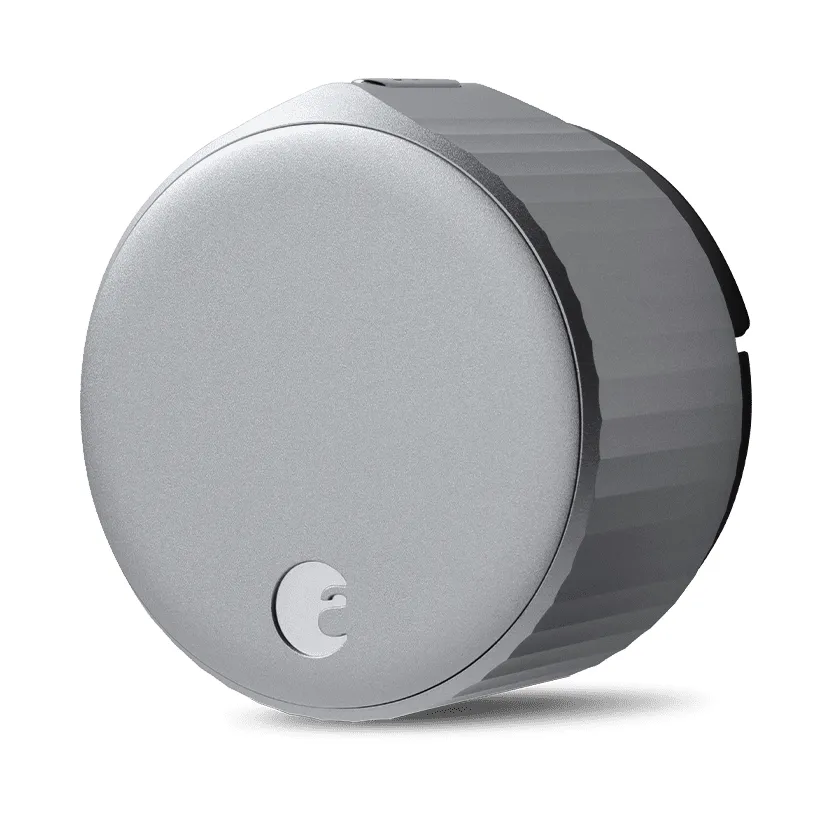
August wrote the book on renter-friendly locks. The Wi-Fi Smart Lock fits over your existing deadbolt in about ten minutes, and the outside of your door looks exactly the same. Built-in wifi means no extra bridge, and auto-unlock opens the door as you walk up. Your old keys keep working too.
Why I recommend it
- Installs over the existing deadbolt, zero drilling
- Built-in wifi, no bridge or hub required
- Auto-unlock and auto-lock that renters love
- Outside of the door stays completely unchanged
Keep in mind
- Priciest option on this list
- Needs a single-cylinder deadbolt to fit
2. SwitchBot Lock Pro – Easiest Install
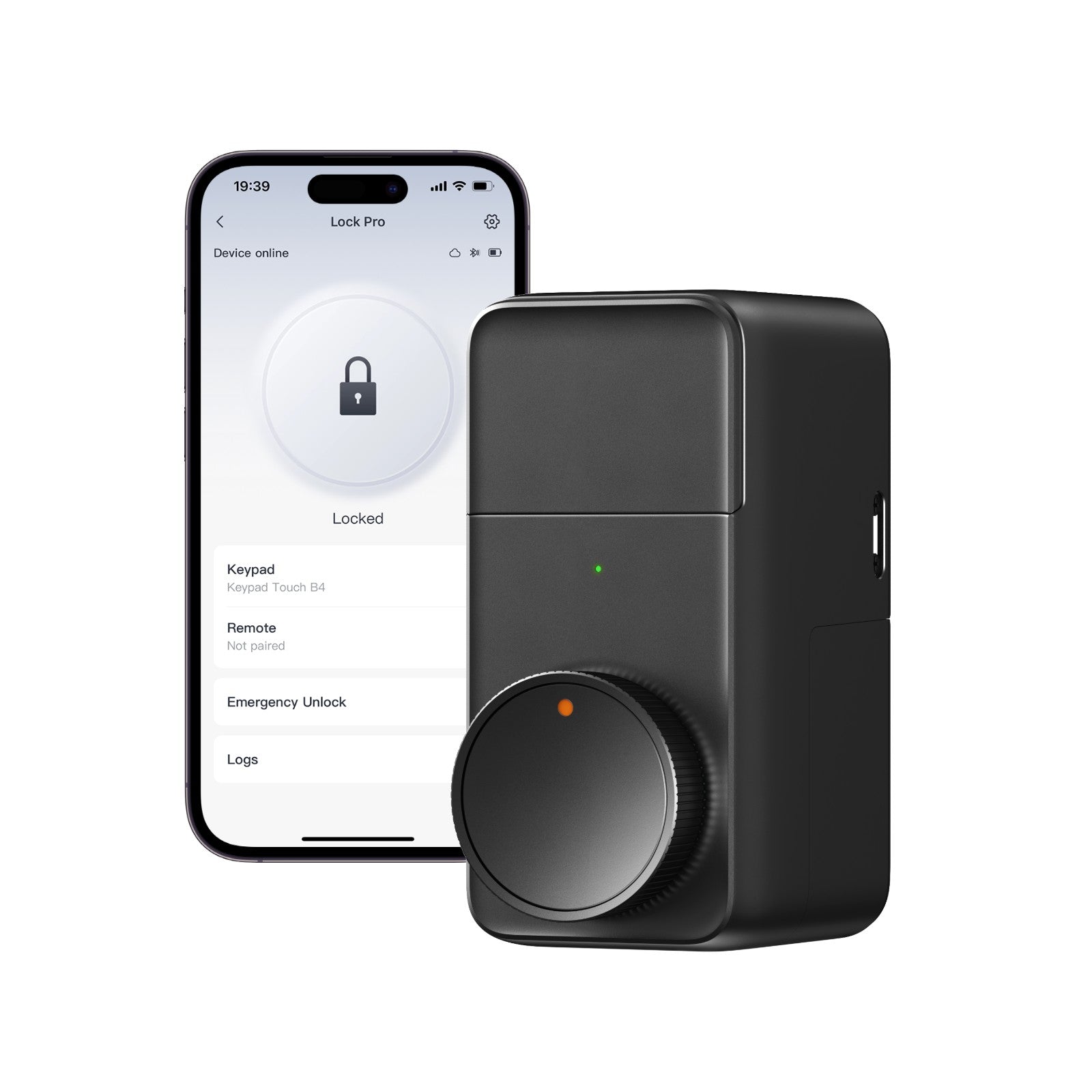
If the thought of tools puts you off, the SwitchBot Lock Pro is your lock. It mounts with strong adhesive, so installation needs no screwdriver at all. Pair it with the SwitchBot app for remote control, or add their keypad for code entry. Removal is just as tool-free when moving day comes.
Why I recommend it
- Adhesive install, genuinely no tools needed
- Removes cleanly when you move out
- App control plus optional keypad and fingerprint options
- Plays well with the wider SwitchBot ecosystem
Keep in mind
- Adhesive mount needs a clean, flat surface to hold well
- Remote access features may need the SwitchBot hub
3. Wyze Lock – Best Value
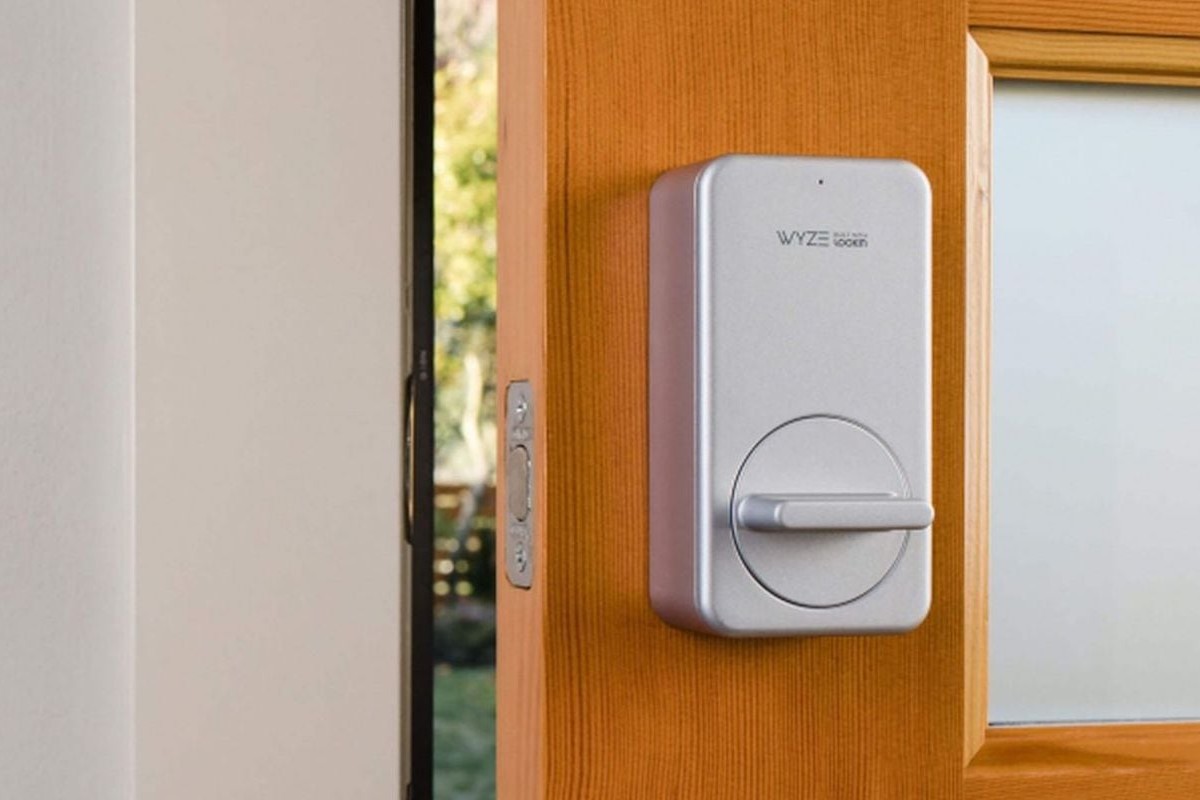
Wyze packs the core retrofit experience into the cheapest lock here. It replaces only the interior thumb turn, leaving your deadbolt and keys untouched. Auto-lock when you leave and auto-unlock on return work through Bluetooth geofencing. An easy yes for budget-minded renters.
Why I recommend it
- Lowest price of the five by a clear margin
- Retrofit install keeps the existing deadbolt
- Auto-lock and unlock included
- Pairs with the Wyze app and keypad accessory
Keep in mind
- Wifi remote access needs the separate Wyze gateway
- Fewer premium finishes than August or Yale
4. Yale Approach – Good Alternative
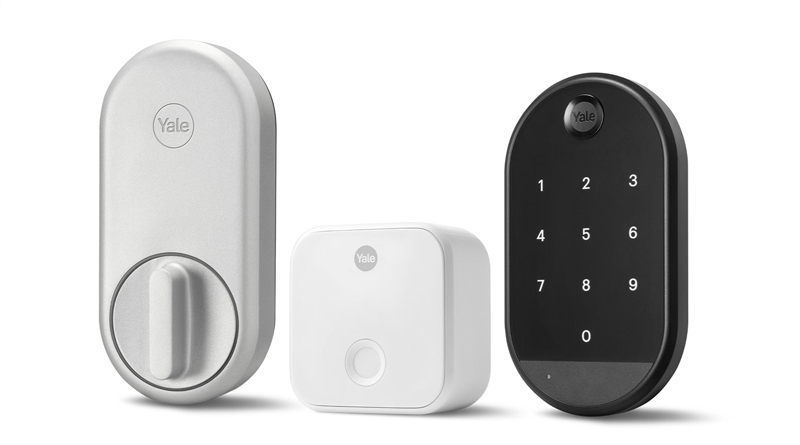
Yale brings its lock-making heritage to the retrofit game. The Approach mounts inside over your deadbolt with no drilling, and an optional wireless keypad adds code entry for guests and cleaners. It is a reassuring choice if the Yale name on the box matters to you or your landlord.
Why I recommend it
- Retrofit fit with no drilling or lock replacement
- Optional keypad for guest codes
- Yale’s long reputation in door hardware
- Clean, minimal interior design
Keep in mind
- Keypad costs extra
- Newer product with a shorter track record than August
5. Nuki Smart Lock Pro – Best for Apartments
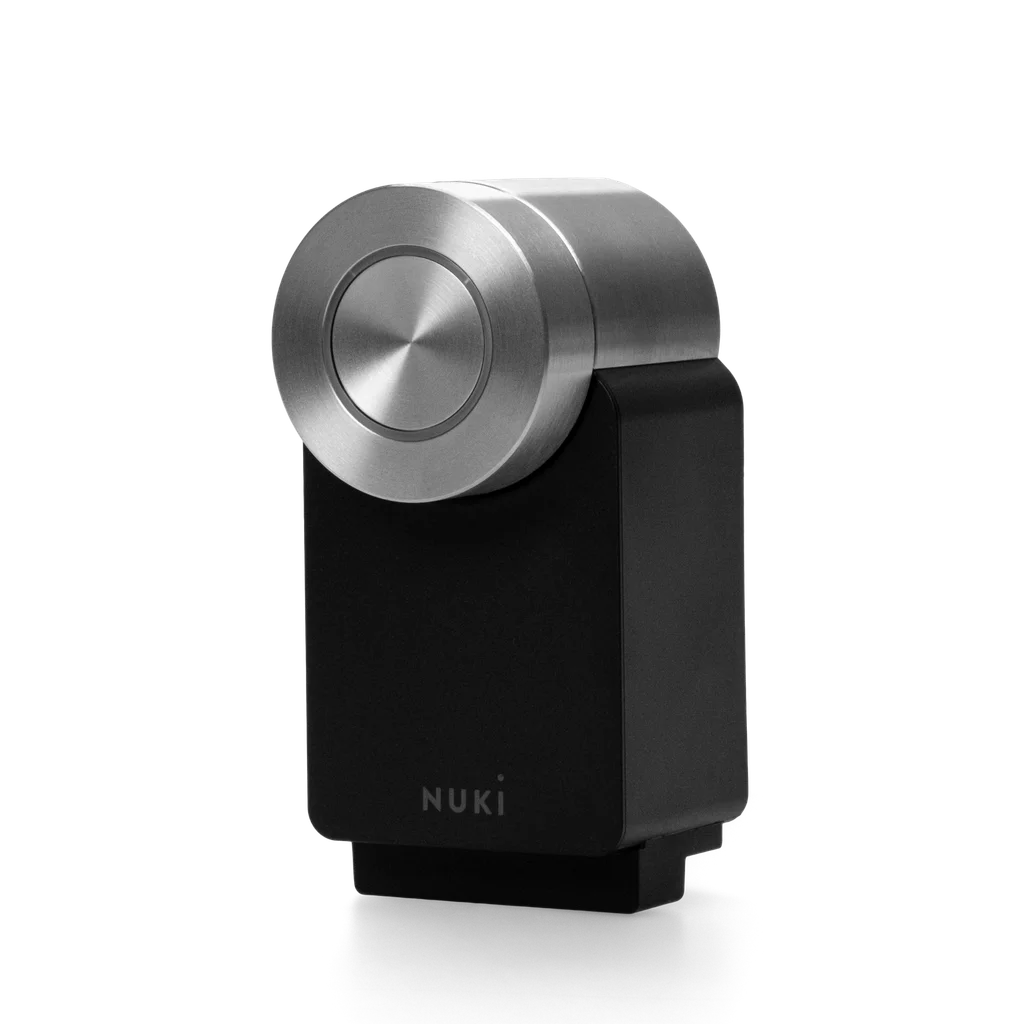
Nuki dominates the retrofit scene in European apartments, and it works just as well anywhere. It mounts over your existing cylinder on the inside of the door, with built-in wifi and a rechargeable battery pack. Auto-unlock, guest access, and activity logs come standard.
Why I recommend it
- Mounts over the existing cylinder, no drilling
- Built-in wifi with rechargeable battery pack
- Strong guest access and scheduling features
- Hugely popular with apartment renters
Keep in mind
- Check cylinder compatibility before ordering
- Premium pricing, similar to August
What to Look for in a No-Drill Smart Lock
Four things separate a truly renter-friendly lock from a headache. Check them before you buy.
- True retrofit design: the lock should mount on the inside over your existing deadbolt or cylinder. If it requires replacing the lock itself, it is not renter-friendly.
- Deadbolt compatibility: most retrofit locks need a standard single-cylinder deadbolt. Check your door hardware against the lock’s compatibility list first.
- Clean removal: look for installs that reverse in minutes with no marks left behind. Adhesive or clamp mounts are ideal for getting your deposit back.
- Access options: decide what you need: auto-unlock, guest codes, a keypad, or remote access. Not every lock includes all of these, and some need a hub or bridge for wifi features.
How to Install a Retrofit Smart Lock
- Confirm your deadbolt is a standard single-cylinder type.
- Remove the interior thumb turn, keeping the exterior lock untouched.
- Mount the smart lock over the deadbolt tailpiece using the included adapter.
- Install the batteries and pair the lock with its app.
- Calibrate the lock so it learns the locked and unlocked positions.
- Test with the app, then confirm your old key still works from outside.
Frequently Asked Questions
Will my landlord allow a retrofit smart lock?
Usually yes, because nothing permanent changes. The outside of the door looks identical and the original lock goes back on in minutes. Still, it is smart to mention it to your landlord before installing.
Do my existing keys still work?
Yes. Retrofit locks only replace the interior thumb turn. The exterior cylinder is untouched, so your current keys work exactly as before.
What happens if the batteries die?
You are not locked out. The physical key still works from outside, and every lock here warns you well before the batteries run low.
Can I take it with me when I move?
That is the whole point. Unmount it, reattach the original thumb turn, and the door is exactly as you found it. The lock moves with you to the next place.
Conclusion
For most renters, the August Wi-Fi Smart Lock is the one to beat. It installs in minutes, needs no bridge, and the auto-unlock feels like magic. If you want the absolute easiest install, the SwitchBot Lock Pro sticks on with no tools at all.
On a budget? The Wyze Lock delivers the retrofit essentials for less. Prefer a heritage brand? The Yale Approach is a safe bet. In an apartment? The Nuki Smart Lock Pro was made for exactly that. Whichever you pick, confirm your deadbolt type first and give your landlord a heads-up.
