
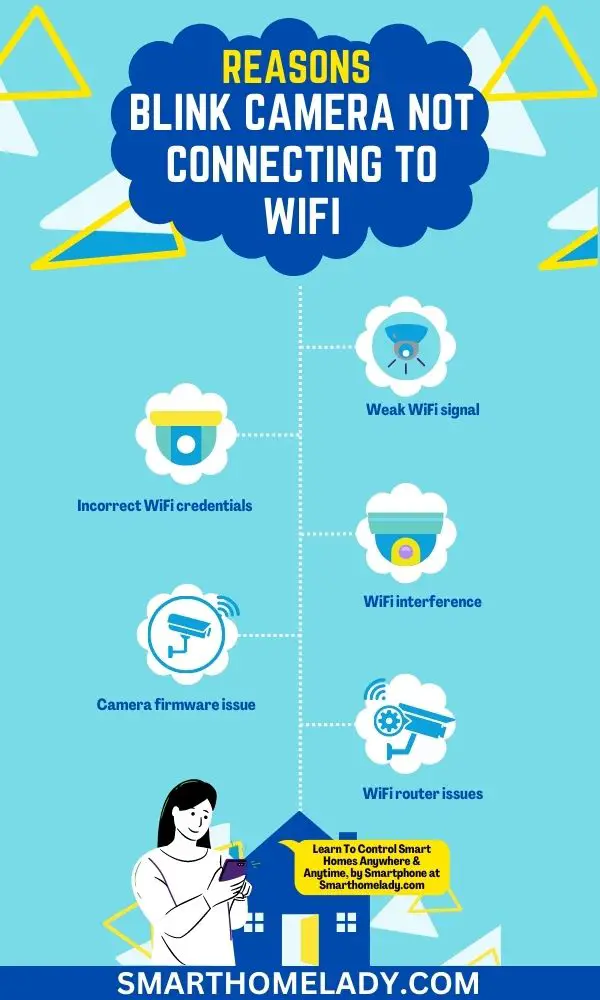
A Blink camera not connecting to WiFi usually comes down to one of five things: the camera cannot use the WiFi band, the password is wrong, the signal is weak, the Sync Module is offline, or the Blink app setup is being interrupted by phone/router settings.
Use this guide when setup fails, the Blink app cannot find the camera, the device keeps going offline, or the connection breaks after a router or password change.
Quick Answer: Blink Camera Not Connecting To WiFi
If your Blink camera is not connecting to WiFi, make sure your router has a 2.4 GHz network, re-enter the WiFi password, disable VPN on your phone during setup, power cycle the router and Sync Module, move the device close to the router, and use Change Wi-Fi in the Blink app. Blink systems need at least 2 Mbps upload speed for reliable performance.
| Required WiFi band | 2.4 GHz WiFi, not 5 GHz only. |
| Minimum upload speed | At least 2 Mbps upload for Blink systems. |
| Common setup blocker | Wrong password, VPN, weak signal, or Sync Module issue. |
8 Reason Your Blink Camera Not Connecting To WiFi
First identify how your Blink device connects. Blink Mini, Mini 2, Wired Floodlight, and Video Doorbell can connect directly to WiFi. Many Outdoor and Indoor cameras communicate through a Sync Module, so you need both the router and Sync Module working.
What to do when your Blink camera won’t connect? 11 Things To Do
Follow these checks in order. Resetting first can waste time if the real issue is a 5 GHz network, wrong password, or weak signal.
1. Check the WiFi Network
Blink cameras require 2.4 GHz WiFi. If your router uses one combined SSID for 2.4 GHz and 5 GHz, setup may still work, but separating the bands temporarily can help.
2. Check the Sync Module
If your camera uses a Sync Module, check its lights. Blinking blue with solid green means setup mode. Solid blue and solid green means online. Solid red usually points to WiFi or password trouble.
3. Move the Camera closer to Router
Move the camera, phone, and Sync Module near the main router during setup. If it connects there but fails outside, the issue is distance, interference, walls, metal, mesh nodes, or extenders.
4. Check the WiFi Credentials
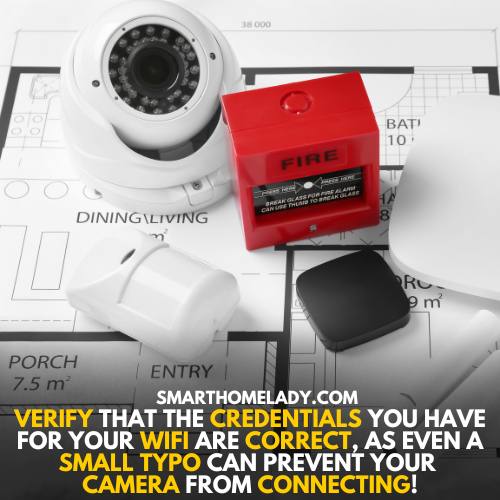
Re-enter the password carefully. If you are unsure, forget the WiFi network on your phone, reconnect to it, then use the same password in the Blink app.
5. Restart the Blink Camera
For battery models, remove the batteries briefly and reinsert them. For Blink Mini, unplug the USB cable for 10 seconds. Wait for the camera to restart before trying setup again.
6. Check for Updates
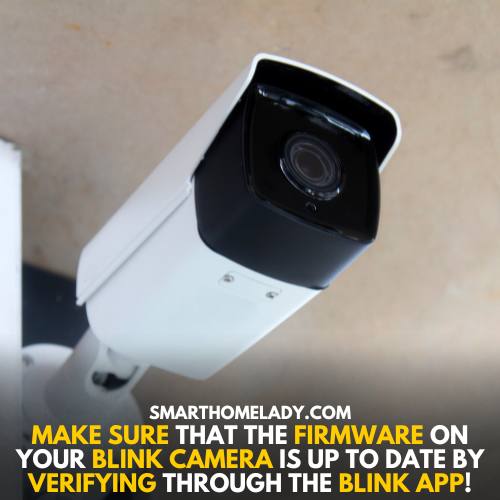
Update the Blink app, restart your phone, and make sure phone permissions are allowed. Firmware updates usually happen during setup, but the app must stay connected long enough to finish.
7. Factory Reset the Blink Camera
Use factory reset only after checking WiFi band, password, VPN, router, signal, and Sync Module. After a Sync Module reset, wait for blinking blue and solid green before adding it again.

8. Contact the Blink Service
Contact Blink Support if the device never shows the expected light pattern, fails on more than one network, or will not reset.
9. Power Cycle the Blink Camera and Internet Router
Unplug the router for 30 seconds, let it fully reconnect, then restart the Sync Module and camera. Do not begin setup while the router is still booting.
10. Disable VPN, Firewall, Or Phone Security Apps During Setup
A VPN or phone security app can block local device discovery. Disable it during setup and turn it back on after Blink connects.
11. Simplify Mesh, Extender, And Band Steering Settings
Temporarily use the main router instead of extenders or mesh pods. After setup, move the camera back and check signal strength.
Blink Camera Not Connecting To WiFi After Password Change
If the router password changed, use Change Wi-Fi in the Blink app for the camera or Sync Module. The device will not always update automatically.
FAQs About Blink Camera WiFi Connection Problems
Does Blink work on 5 GHz WiFi?
Blink devices connect to 2.4 GHz WiFi. A router can also have 5 GHz, but Blink needs access to 2.4 GHz.
Why does Blink connect near the router but not outside?
That usually means weak signal, interference, or too much distance between the camera, router, and Sync Module.
Should I reset my Blink camera first?
No. Check WiFi band, password, VPN, router, and Sync Module first. Reset should be a later step.
Official Blink details checked: Blink WiFi troubleshooting guide, Blink WiFi network requirements.
Final Thoughts
Most Blink WiFi problems come from the 2.4 GHz network, password mismatch, weak signal, Sync Module status, or phone setup conflicts. Start close to the router, confirm the basics, then move the camera back to its final location.
Relevant Blink Camera Guides
- how to connect blink camera to wifi
- blink sync module not connecting to wifi
- does blink camera work without wifi