

If you want to know how to prevent Blink cameras from being stolen, start with placement, mounting hardware, motion alerts, and clip storage. Blink cameras are small and easy to install, but that also means a low camera on a basic mount can be easy to grab.
The strongest setup makes the camera difficult to reach, records useful evidence before tampering happens, and keeps another camera or doorbell watching the approach path. Use the steps below for porches, driveways, gates, sheds, garages, and side yards.
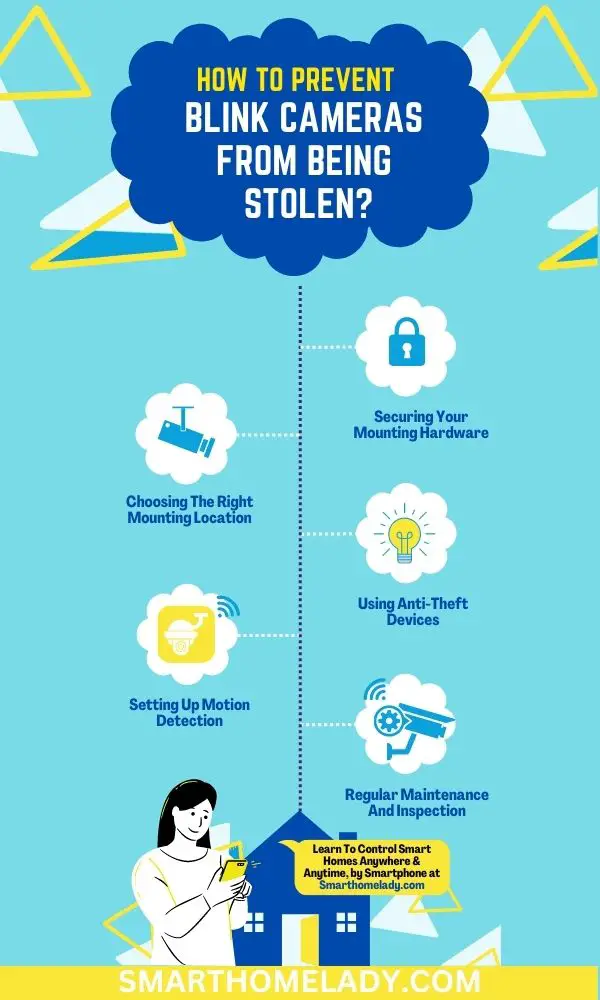
Quick Answer: How To Prevent Blink Cameras From Being Stolen
To prevent Blink cameras from being stolen, mount them 8 to 10 feet high, angle them downward, use a locking mount or anti-theft bracket, replace basic screws with tamper-resistant screws, and keep the Blink system Armed with Motion Detection enabled. Save clips with a Blink Subscription Plan or Local Storage on Sync Module 2 so you still have footage if the camera is removed.
| Best first fix | Move the camera higher and use a stronger outdoor mount. |
| Best evidence setup | Use motion alerts, saved clips, and overlapping camera coverage. |
| Best app setting | Keep the system Armed and Motion Detection turned on. |
11 Ways To Prevent Blink Camera From Being Stolen
Do not rely on one trick. A camera is safer when physical security, Blink app settings, WiFi signal, and clip storage work together.
1. Assessing Your Security Needs
Decide what the camera must protect before choosing a mount. A porch camera should catch faces and packages. A driveway camera should show vehicles and direction of travel. A side-yard camera should watch the gate or narrow walkway. If someone can reach the camera without being recorded by another angle, the placement needs improvement.
2. Choosing The Right Mounting Location
Mount the Blink camera high enough that it cannot be removed casually. Good locations include under an eave, above a door, on a porch beam, or near a garage trim board. Angle the camera slightly across the walking path because motion crossing the camera view is easier to detect than motion coming straight toward the lens.
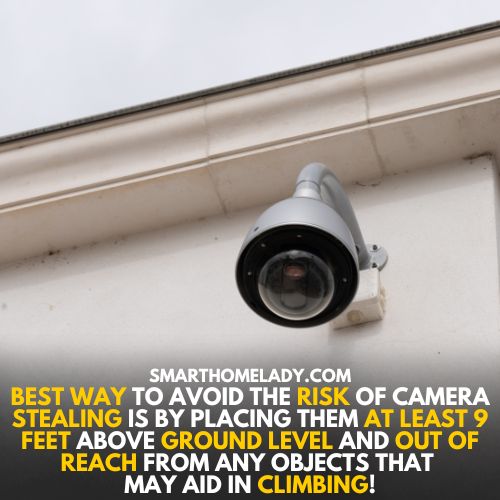
A. Outdoor Vs. Indoor Installation
An outdoor camera should have a clear field of view, shelter from direct weather, and strong WiFi or Sync Module signal. Avoid relying on an indoor camera pointed through glass for theft prevention because reflections and night vision glare can reduce motion detection.
B. Lighting Conditions
Use porch lights, motion lights, or landscape lighting to make faces and clothing easier to see. Avoid pointing the camera directly into headlights, bright reflections, or strong sun glare.
C. Tamper-Proof Screws Or Locking Mounts
Use a Blink-compatible locking mount, metal housing, or anti-theft bracket. Replace standard screws with security screws when possible. Make sure the accessory does not block the lens, microphone, speaker, PIR sensor, status LED, or USB cover.
3. Securing Your Mounting Hardware
The mount is often the weakest point. Screw into solid wood, masonry, brick, or a proper outdoor anchor. Avoid thin trim, loose siding, or a surface that flexes when pulled.
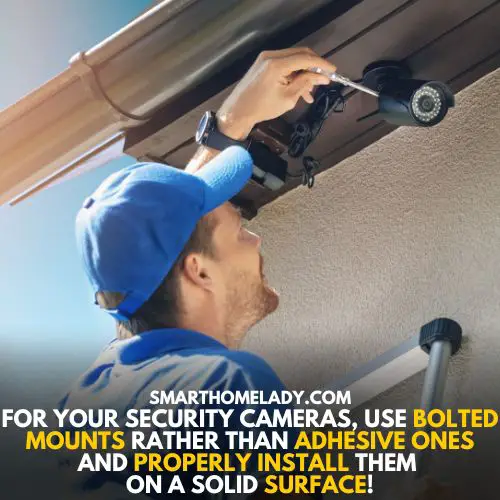
- Use stainless steel screws outdoors.
- Tighten the bracket so the camera cannot rotate by hand.
- Check the mount after storms or extreme heat.
- Use a case that fits your exact Blink model.
4. Using Anti-Theft Devices
Anti-theft mounts, locking wall brackets, and protective cages are useful for exposed areas. Choose accessories for your camera model, such as Blink Outdoor 4, Outdoor 3rd Gen, XT2, Mini, or Video Doorbell. A universal case that covers sensors can create missed alerts, so fit matters.
5. Concealing Your Blink Camera
Concealment can help, but do not hide the camera so much that it loses the view. A balanced setup works better: one visible camera as a deterrent and one higher or side-angle camera that records anyone touching it.
6. Setting Up Motion Detection
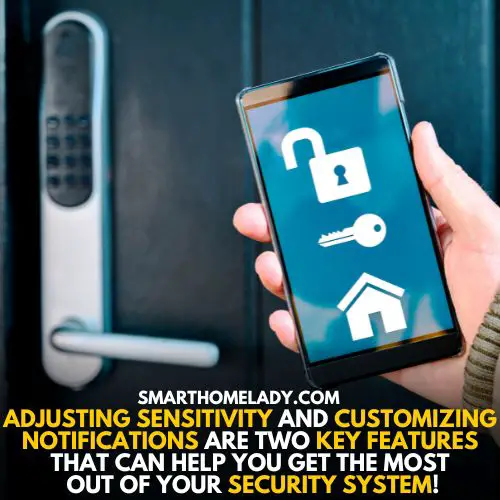
In the Blink app, keep the system Armed and Motion Detection enabled for the camera. Use Activity Zones to ignore busy roads, tree branches, or reflections while keeping the path to the camera active. If you turn off alerts because of false notifications, fix zones and sensitivity instead of leaving the camera blind.
7. Monitoring Your Camera Footage
Motion alerts help you react before the camera is removed. Make sure phone notifications are allowed for the Blink app. For evidence, confirm where clips are saved: Blink cloud clips through a subscription or Local Storage with Sync Module 2 and a USB drive for compatible systems.
8. Regular Maintenance And Inspection
Check battery level, WiFi signal, camera angle, clip storage, and mounting screws every few weeks. Outdoor mounts can loosen after wind, rain, heat, or someone bumping the camera.

9. Educating Yourself And Neighbors
Trusted neighbors can help notice tampering, repeated porch theft, or someone checking cameras. If several homes have overlapping cameras, the whole area becomes less attractive to thieves.
10. Creating A Theft Response Plan
If a Blink camera is stolen, save available clips, note the time, check other camera angles, record the serial number, and report the theft if needed. Do not reinstall the replacement in the exact same weak spot.
11. Insurance Policies And Documentation
Keep receipts, serial numbers, installed photos, and screenshots of the Blink app device list. Some insurance or renter policies may help with stolen devices, depending on the policy and deductible.
Common Mistakes That Make Blink Cameras Easier To Steal
- Mounting the camera at eye level.
- Using only a basic plastic mount in a high-risk area.
- Turning off motion alerts instead of improving Activity Zones.
- Forgetting clip storage, battery level, or WiFi signal.
- Leaving no second camera angle on the approach path.
FAQs About Preventing Blink Camera Theft
Can a stolen Blink camera still record?
If the camera loses WiFi or power, it will not keep sending new clips. Saved clips and overlapping camera coverage matter.
Should I hide my Blink camera?
A hidden secondary camera can help, but the main camera still needs a clear view. Visible cameras can also discourage tampering.
Do anti-theft mounts affect motion detection?
A good mount should not block the lens, PIR sensor, microphone, speaker, or status LED. If it blocks sensors, choose another case.
Official Blink details checked: Blink motion detection settings.
Final Thoughts
The safest Blink setup combines height, stronger hardware, working motion detection, saved clips, and regular checks. Start with the mount and camera angle, then strengthen your storage and alert settings.
Relevant Blink Camera Guides